

How it works
From brief to BrandKit in minutes
01
Create your BrandKit
Pick a template, add your accent color, and name your BrandKit in seconds.
- Start with ready-to-use BrandKit layouts
- Pick a visual direction that fits your client
- Keep the same structure across handoffs
- Launch faster with repeatable BrandKit setup
02
Add your brand blocks
Organize brand assets into one clean, client-ready BrandKit.
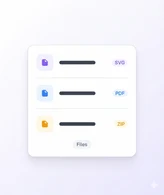
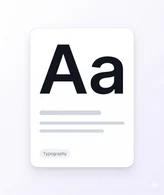
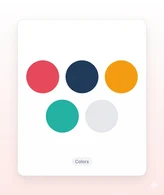
- Add logos, colors, typography, and visuals
- Drop in files, collaterals, and links
- Reorder blocks for your preferred handoff flow
- Keep every section aligned to your brand rules
03

Publish and share
Launch your BrandKit and share one branded link with confidence.
- Preview your BrandKit exactly as clients will see it
- Publish updates instantly without re-sending files
- Share one link across teams, vendors, and clients
- Track views and keep handoffs consistent
Testimonial
People love using BrandKity
Hear from real users who have transformed their brand presence with BrandKity.
Their stories of consistency, clarity, and confidence.

Case in Point
“BrandKity cut our brand handoff time by 80% and gave our clients a single source of truth for every asset — in just one week.” -
Sarah Chen, Brand Director at Studio Obelisk





Your brand deserves
one home.
Start sharing everything in one link. Free — no credit card required.