
Partner & Co-Marketing BrandKits
Share brand-approved assets with co-marketing partners and vendors — securely, with full control over what they see and use.
The challenge
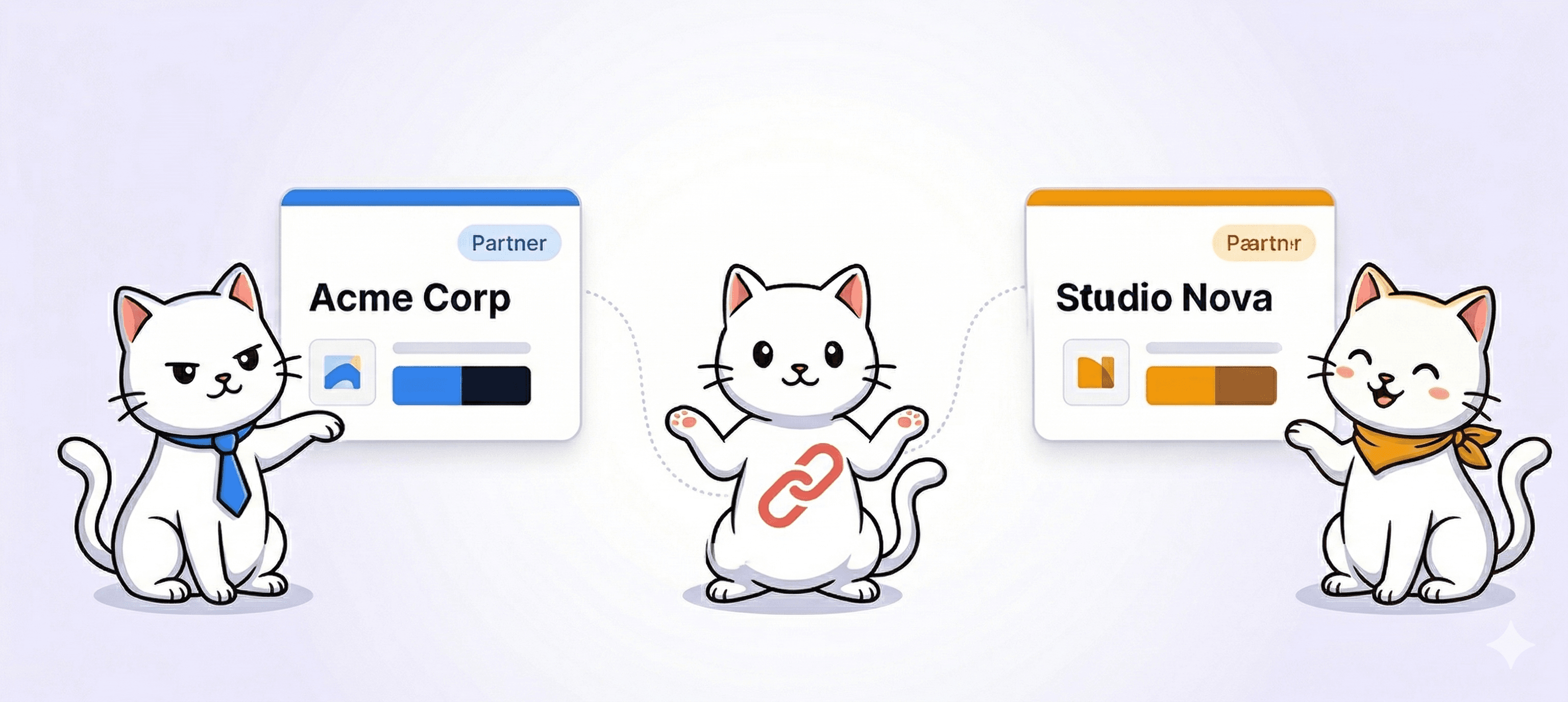
Co-marketing and vendor relationships require sharing brand assets externally — but open file dumps mean partners end up using outdated logos, incorrect colour values, or off-brand imagery. There's no version control, no visibility into what's being accessed, and no way to enforce usage guidelines at scale.
The solution
BrandKity BrandKits provide a controlled, always-current source of brand materials for every external partner. Restrict by email domain so only approved contacts can access each BrandKit. When assets change, one update covers every partner simultaneously.
Key features
- Email-restricted access — only approved partner contacts can view the BrandKit
- Automatic version updates — partners always see the current approved assets
- Download permissions — specify exactly which files partners can save locally
- Separate BrandKits per partner — customise what each brand relationship sees
- Clear usage guidelines embedded alongside every asset for co-marketing contexts
- Analytics track which partners accessed assets and when
So, how does BrandKity work?

Create your BrandKit
Pick a template, add your accent color, and give your kit a name. Your BrandKit is ready in seconds.
Add your brand blocks
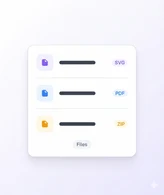
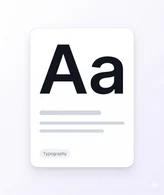
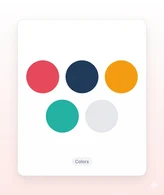
Add logos, colors, fonts, visuals, and files in one BrandKit.

Publish and share
Launch your BrandKit and share one clean, branded link.





Your brand deserves
one home.
Start sharing everything in one link. Free — no credit card required.