
Press Kits & Media Relations
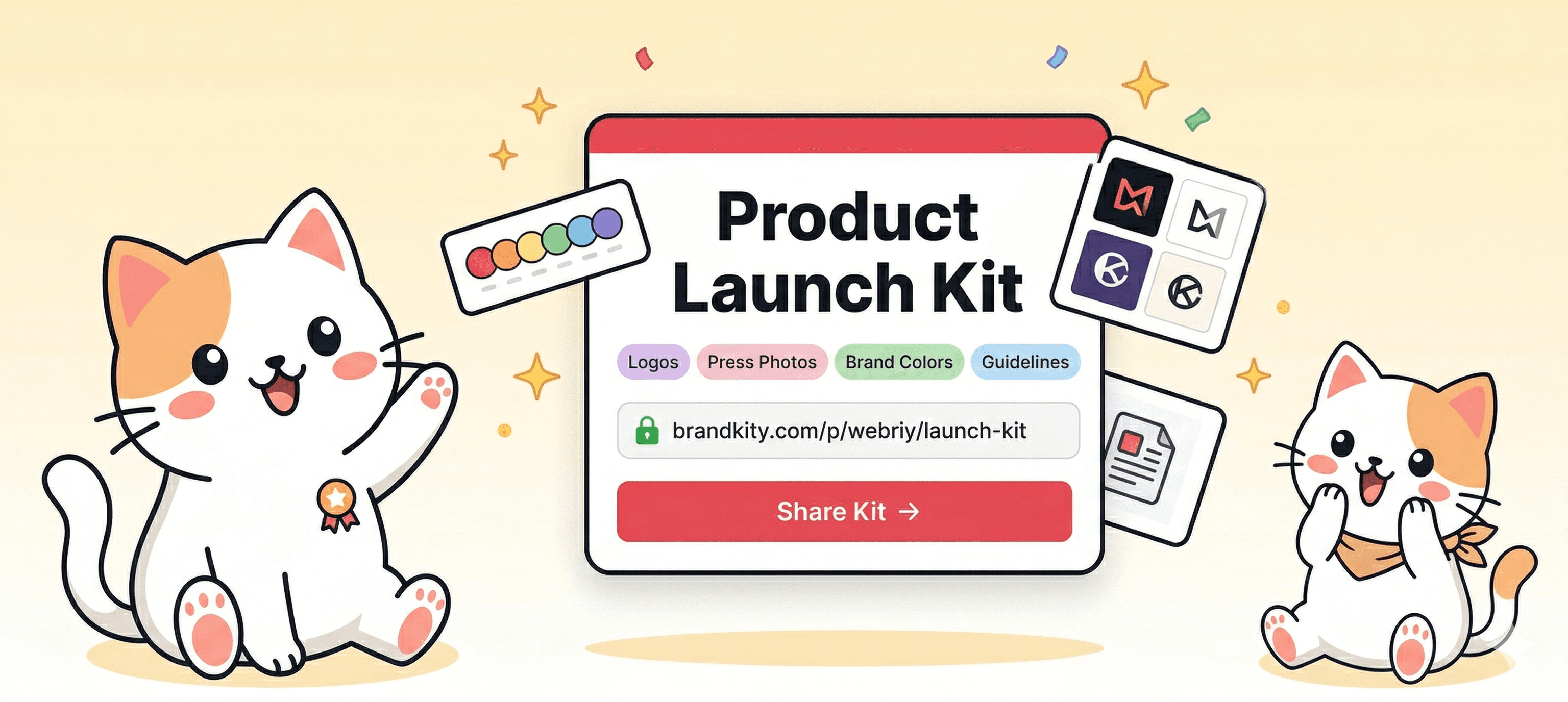
Give journalists, bloggers, and media partners a polished press kit with one shareable link — always up to date, no zip files needed.
The challenge
PR and comms teams field the same media requests over and over — journalists asking for the latest logo, the correct brand colours, approved headshots, and boilerplate copy. Every request means digging through folders, checking which version is current, and sending another email with attachments that go stale the moment anything changes.
The solution
BrandKity turns your press kit into a living, always-current portal. One link gives media contacts instant access to every approved asset — logos in every format, brand colours, executive headshots, product screenshots, and approved boilerplate. Update once and every journalist who has the link sees the latest version automatically.
Key features
- Logos in SVG, PNG, and PDF with approved usage guidelines
- Executive headshots, product screenshots, and brand photography
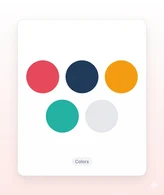
- Approved colour palette and typography for media use
- Press release downloads and media contact information
- Password-protect for embargoed launches — flip to public on announcement day
- Analytics show exactly which journalists and partners viewed and downloaded assets
So, how does BrandKity work?
Create your BrandKit
Pick a template, add your accent color, and give your kit a name. Your BrandKit is ready in seconds.
Add your brand blocks
Add logos, colors, fonts, visuals, and files in one BrandKit.

Publish and share
Launch your BrandKit and share one clean, branded link.




Your brand deserves
one home.
Start sharing everything in one link. Free — no credit card required.